
Express/Standard EOD process:
1. Fulfill each order as usual and print its label and invoice using the Global-e Admin.
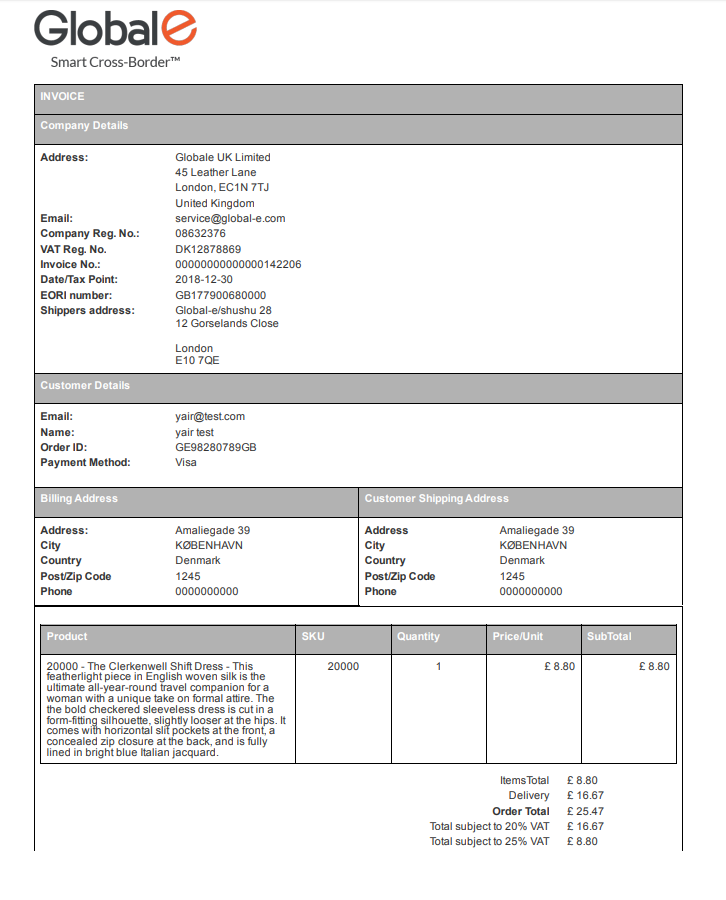
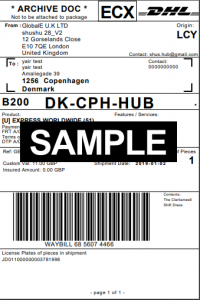
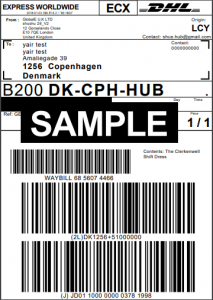
2. After DHL collects all the orders- proceed to the EOD process:
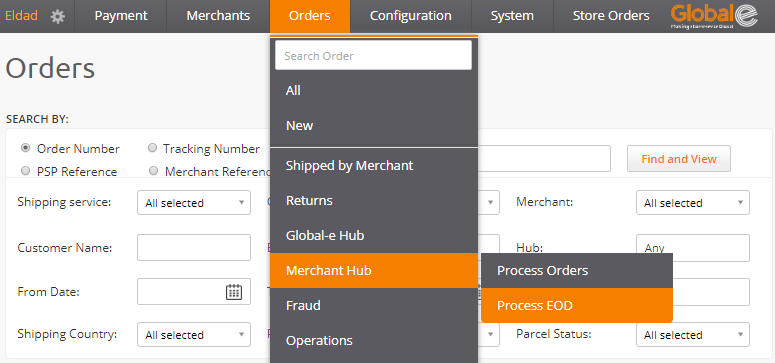
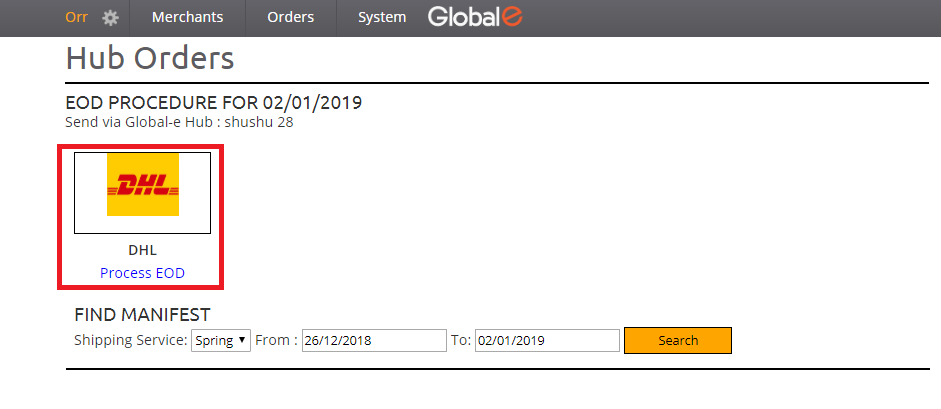
Orders ⇒ Merchant Hub ⇒ Process EOD
( https://web.global-e.com/GlobaleAdmin/NewHub/EndOfDayOrders )
3. The EOD form will open.
All DHL orders which are in “received in hub” status will be included under this icon.
Click “Process EOD” below DHL logo.
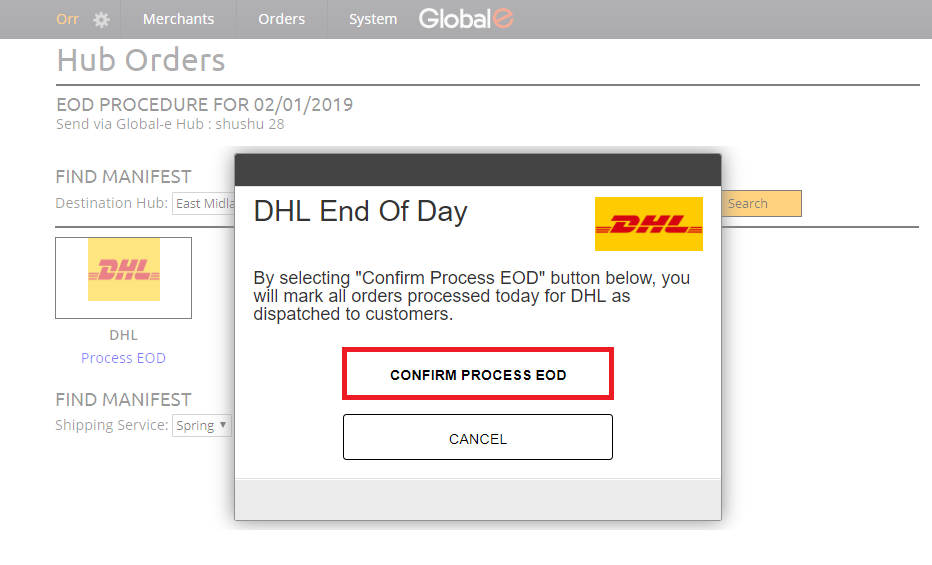
4. The “DHL End Of Day” message will appear. Click “CONFIRM PROCESS EOD”.
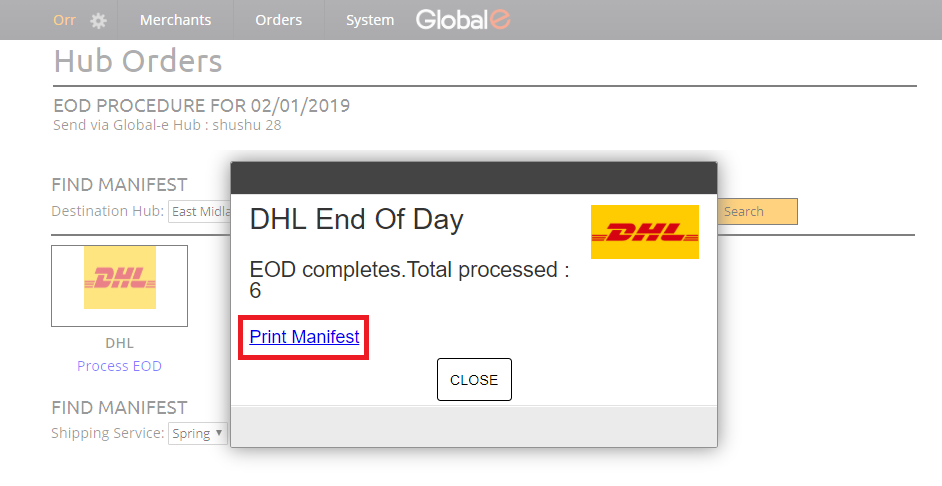
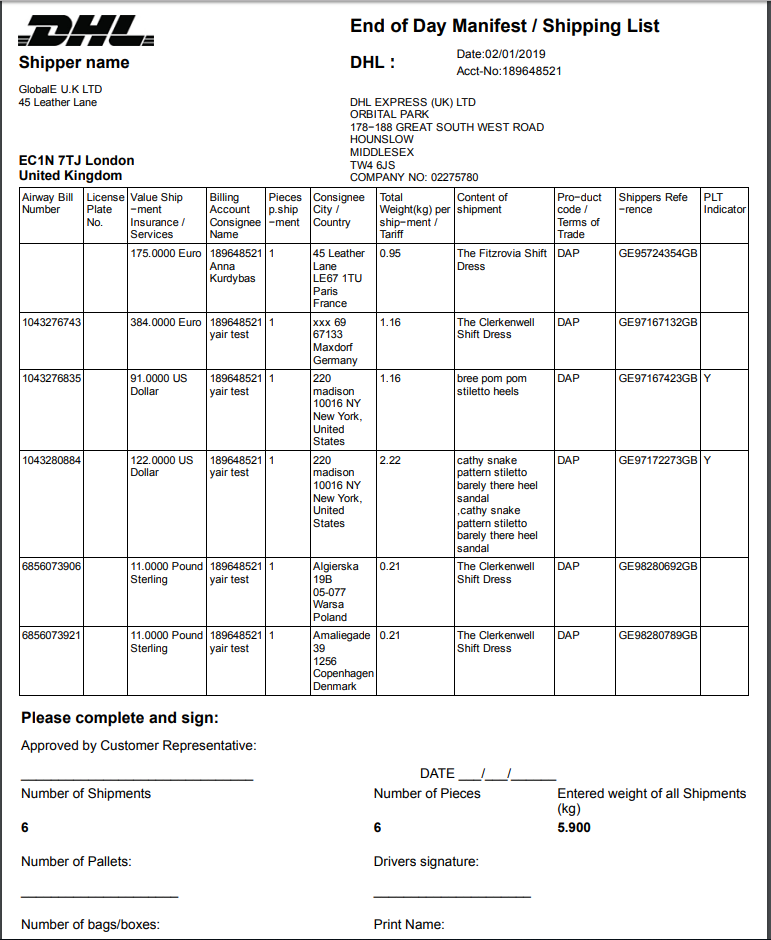
5. The total number of orders processed will be listed. Click “Print Manifest”.
Keep the manifest file as a reference.
- During the EOD process, a notification will be sent to the client.
- For the “Tracked Post EOD process”- please click here.